BM Shots – Automated Screenshots for Your Website

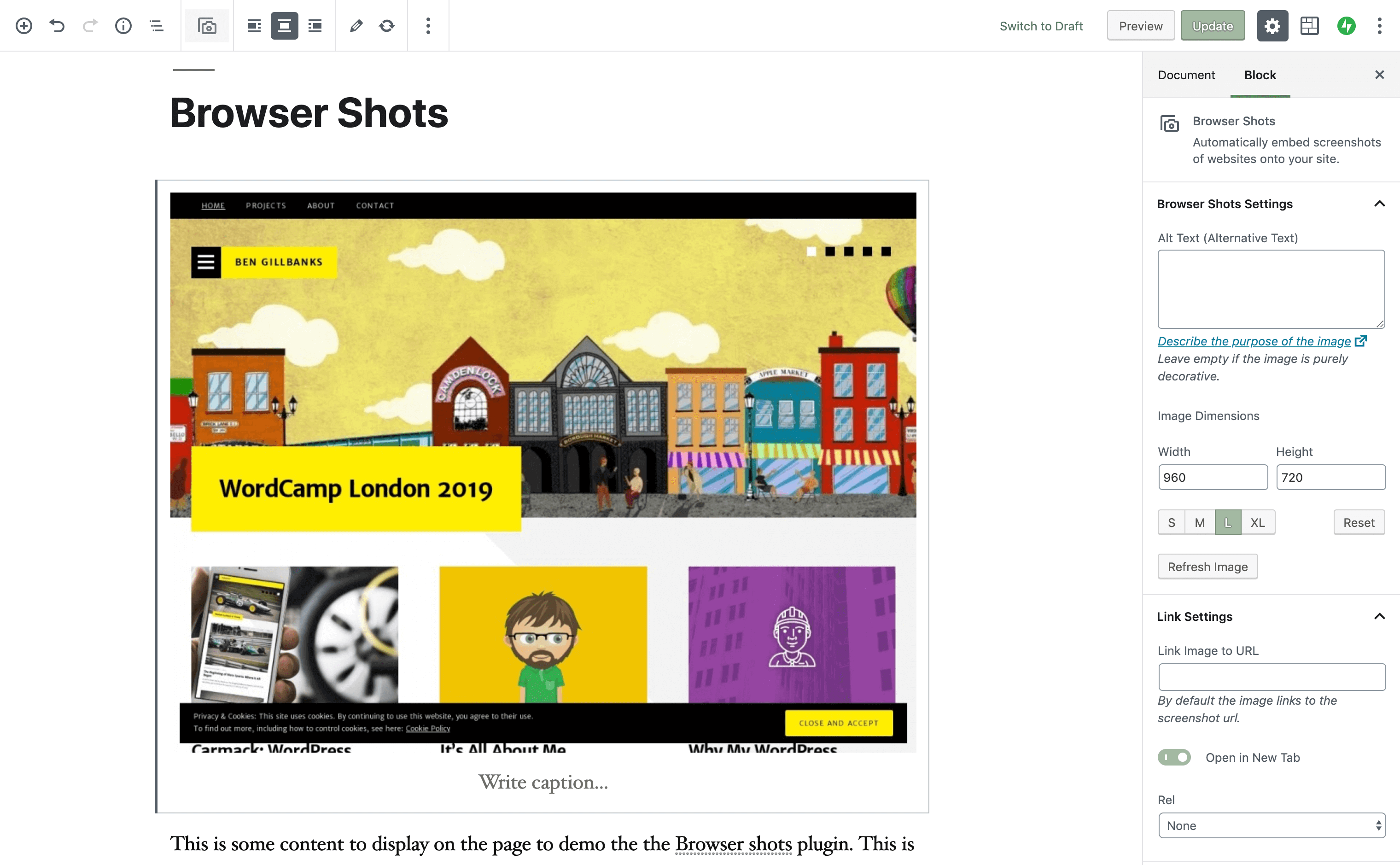
BM Shots is a plugin that makes use of WordPress api for automatically creating screenshots of your website.

This plugin was developed for use on WPVote.com. The development process and code has been written up here.

BM Shots has now been moved to the WordPress plugin repository and renamed Browser Shots

Download

Download BM Shots here.

Examples

You can see BM Shots being used:

  • WPVote : The screenshots beside each article submission are generated using the BM Shots api.
  • Art Direction in web design : The website screenshots showing the different site designs were created using the shortcode.

Usage

There are 2 ways to make use of BM Shots. 1, the shortcode, and 2, a direct function call. If you install the plugin then the most common usage method is likely to be the shortcode.

Shortcodes

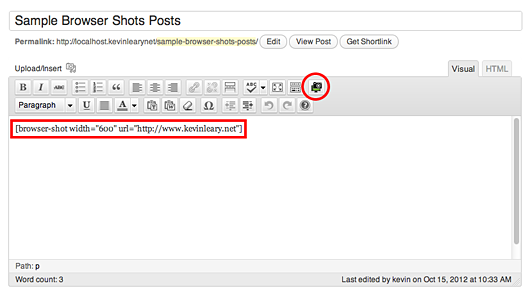
[browsershot url="http://link-to-website" width="foo-value"]

Just stick this in your post and the shortcode will be output as an image of the website you requested.

PHP Function

Using the PHP function is just as easy. The method looks like this:

bm_mshot ($url, $width = 250);

And usage is nice and simple.

<?php
$url = 'http://www.binarymoon.co.uk/';
$width = 300;
echo bm_mshot ($url, $width);
?>

Notes

One thing to remember is that the image creation takes some time so will not display instantly. I have also noticed that some websites take longer than others, but they do show up eventually.

My Projects

TimThumb - Image Resize Script TimThumb

Image Resize Thumbnail Script

WPVote - WordPress Social Voting WPVote.com

WordPress Social Voting Site

About me

About BenMy name is Ben Gillbanks. I'm a lover of Video Games, WordPress, Web Development and everything in between.

I have been working on the internet since 1998, and working with computers even longer. I am a hardcore Nintendo fanboy and have owned most of their consoles at one stage or another.

Read more about me on my about page.

My Tweets › Binary Moon