As of 2024 this plugin has been taken over by Teydea Studio and they are now managing development and support. You can find the plugin on the WordPress plugin repository.
Custom Login is a deceptively powerful WordPress plugin that enhances your website’s login experience. Customize how your login page looks. Showcase your brand, and create a seamless login experience that aligns with your website’s design.
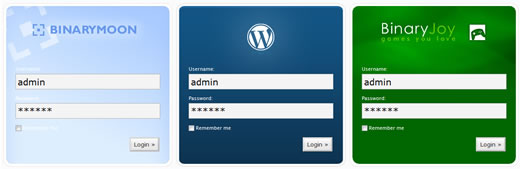
Branded WordPress Logins
Key Features:
- Seamless Customization: Easily customize the login page with an intuitive interface and real-time preview. Upload your logo, choose colors, fonts, and backgrounds that match your brand.
- Background Images: Add captivating background images or a slideshow for a visually stunning login experience. Choose from a library or upload your own.
- Logo Customization: Make your brand stand out by adding your own logo. Create a consistent user experience from the moment visitors arrive.
- Mobile Responsive: Enjoy full responsiveness on all devices, including smartphones and tablets.
This is a great way to add some personalization to your website, or to make your web design client work more unique/ on brand.
You can read more about the plugin on my plugin release blog post from 2007.